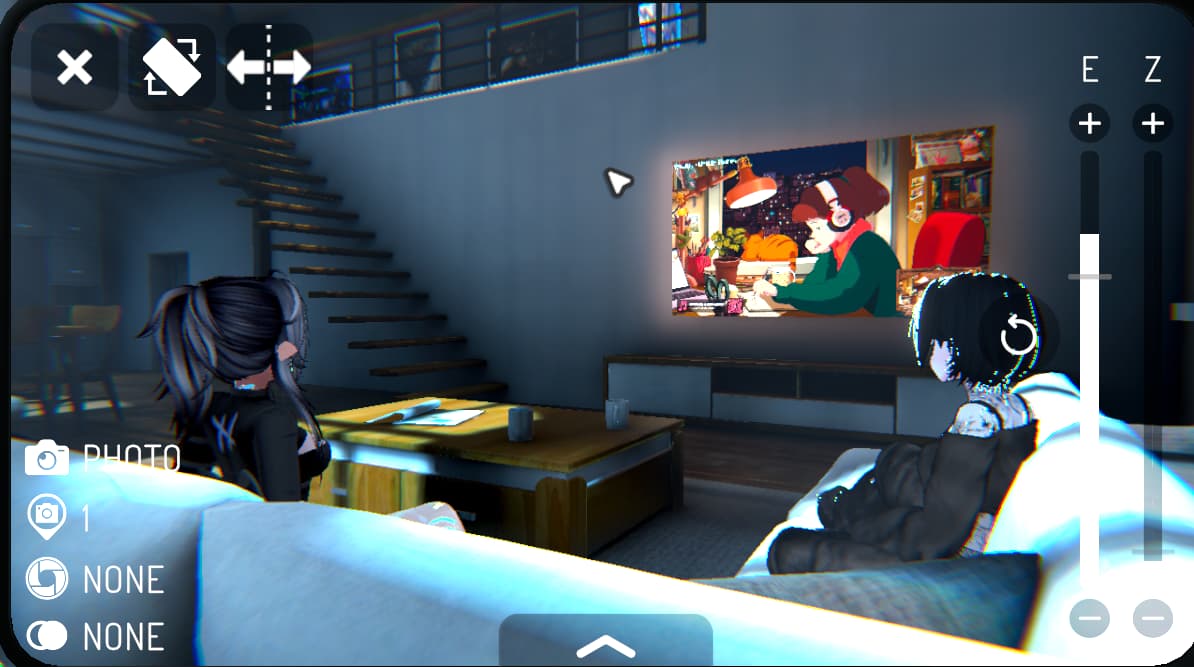
During the VRChat 2025.3.3 update, a new exposure slider has been added to the in-game camera. To the left of the “Z” (Zoom) slider, you can now find a slider labeled as “E.” This slider will allow users to have better control over the lighting in their photos, making it so dark scenes can be lightened, while light scenes can be darkened.
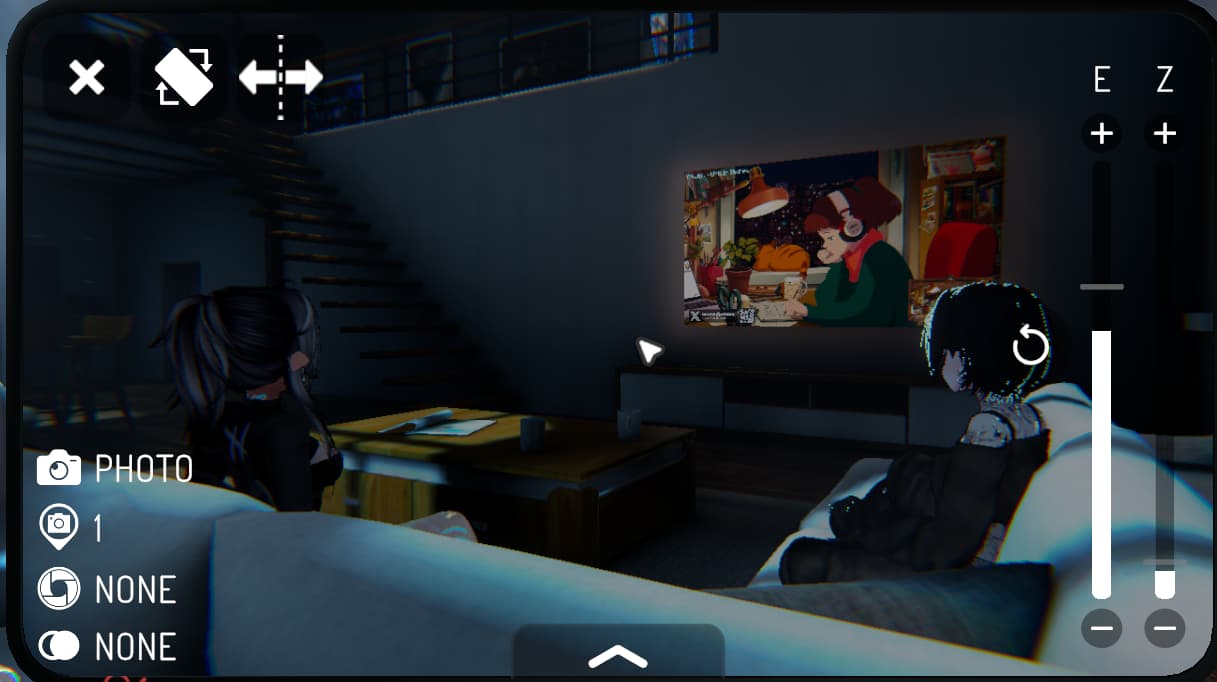
The new exposure slider allows users to quickly adjust the camera's exposure, or in simpler words, the camera's brightness. By moving the slider upwards, the exposure increases, while moving downwards decreases the exposure. In their release notes , VRChat mentions that the exposure slider "works for photos, videos, stream mode / Spout, and can be animated with the Camera Dolly." One of the best parts of the VRChat Camera is higher compatibility across devices followed by its better performance. Since VRChat needs to run on mobile hardware, changes made to the camera can be expected to perform well. As more features are added, it expands how many people can take better photos across the beautiful worlds of VRChat — Quest users rise up!
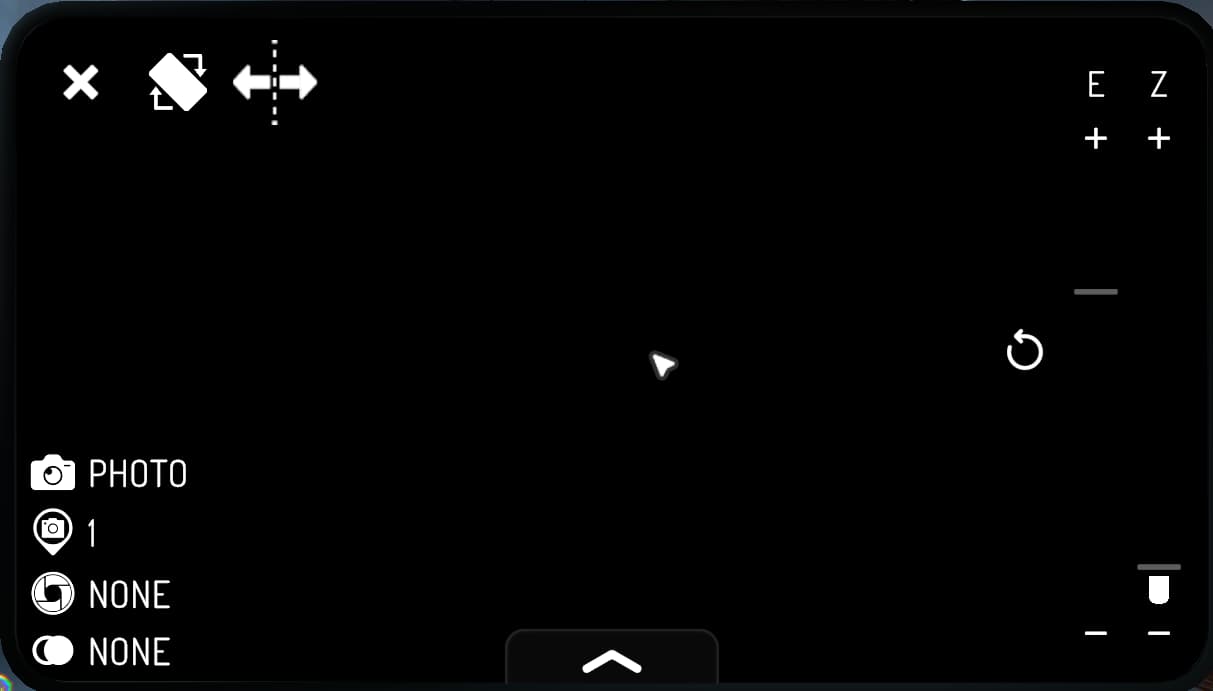
As a new update, we may see small changes over time, but in our testing, we found the slider's range can be a bit confusing at first. The lowest level of the range (all the way down) is completely black. You'd expect for the highest level (all the way up) to be completely white. Instead, the exposure is just increased higher than the base level. We could make assumptions on why this is, most likely technical, but we'd rather recommend looking at the VRChat Feedback Canny in order to find what others are saying as well as developer responses. It does work very well for all intents and purposes though.
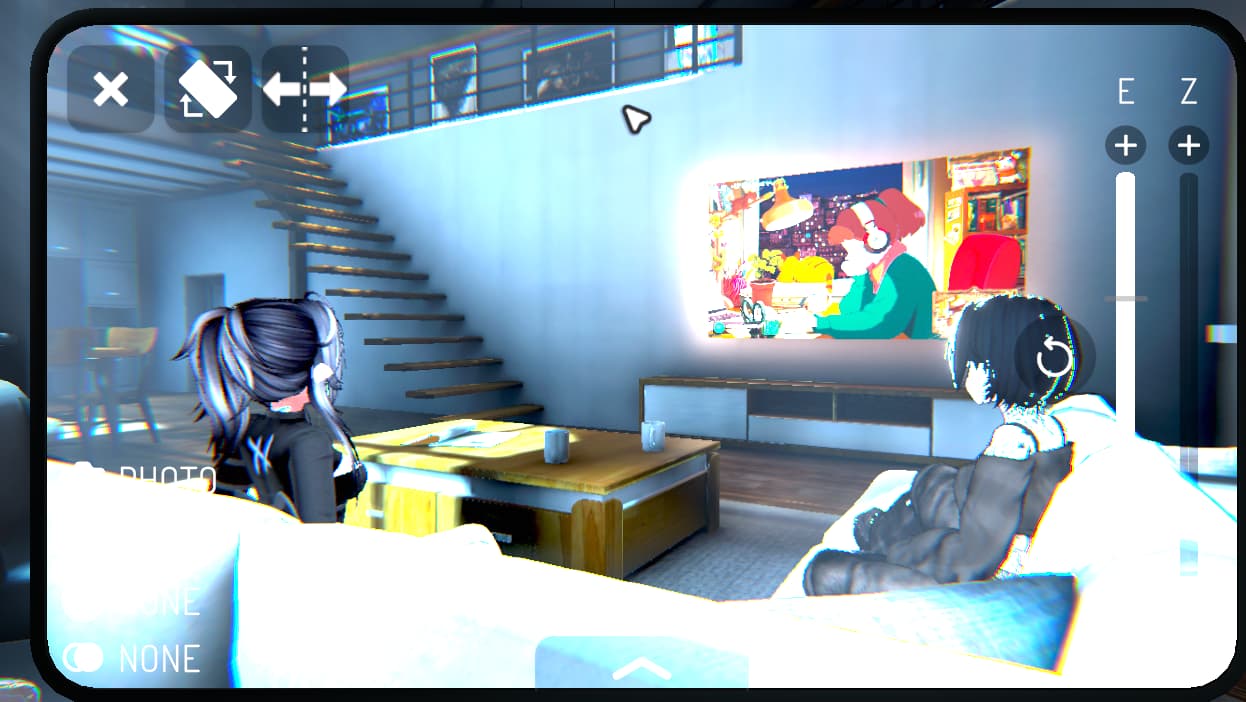
Of course, this is just the start. This update goes to show how VRChat cares about the camera, and continues to add amazing features. Encouraging changes like this will give more access to better photography in VRChat for the many, many users that don't have access to 3rd party assets like VRCLens. We hope to see more changes like this soon, but until then, watch for updates, use the beta, and add to the feedback site!
We, Gravinium, ran our second rave event as Module on the 18th. We had _rats_, Schwank, and Chromium play — they all killed it! We had some technical difficulties, but really, it is a VRChat rave without any? Thanks to everyone that showed up and/or supported us. If you want to watch the vod, feel free to watch it here on VRCDN. If you wanna catch the next event, we have good news. Although no specific date has been picked yet, we will be looking to schedule for the week of October 23rd. We'll probably run it on a weekend some time around 10pm CT. You can join the group at vrlink.me/module.
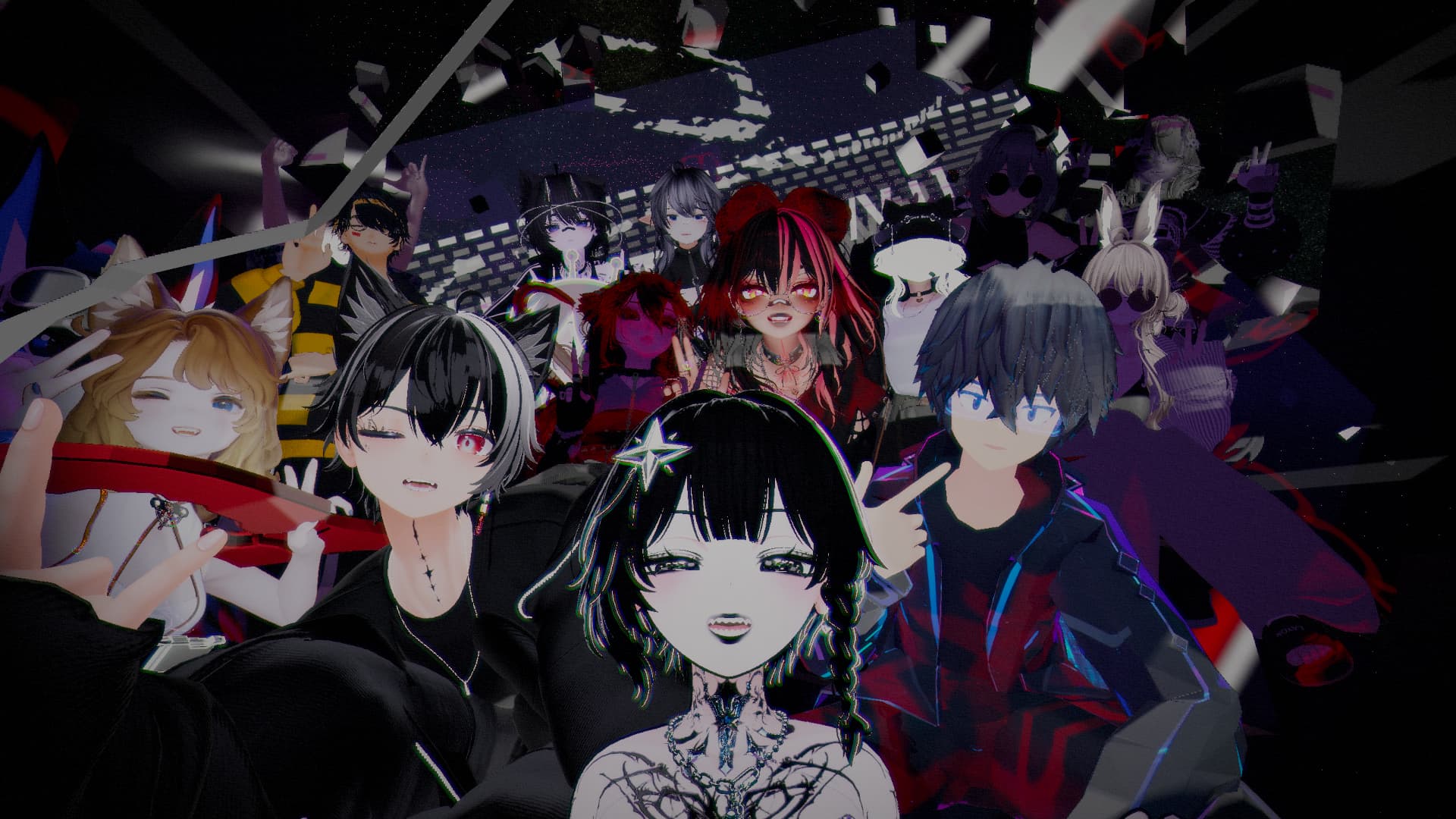
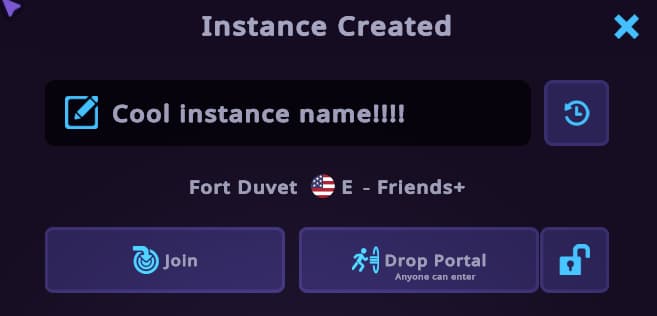
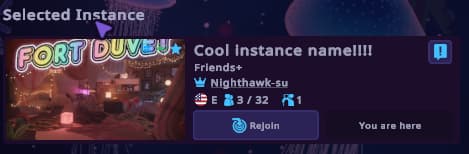
VRChat+ Subscribers can now name an instance during creation. This will be super useful for those who run events and wish to indicate to others what the instance and group within is doing or about. In the update's release notes, VRChat mentions security concerns, and decided to add a new option to the report menu in order to help combat it. Finally, you can still use the old system by simply removing the name. You can read in more detail on the VRChat Documentation website!
Would you like to graze upon the stars alongside some amazing photography? Reava_レイ has made the world Stargazing Gallery ~ 星空の下のギャラリー, a beautiful world to show off the photos and other work she has made. In the current version of the world, you’ll find 7 main “stages” that hold various photos, posters, and other artwork. Around the whole world are dark skies, stars, and an aurora. The world also has many subtle features like pens, walking sounds, light volume support, and more.
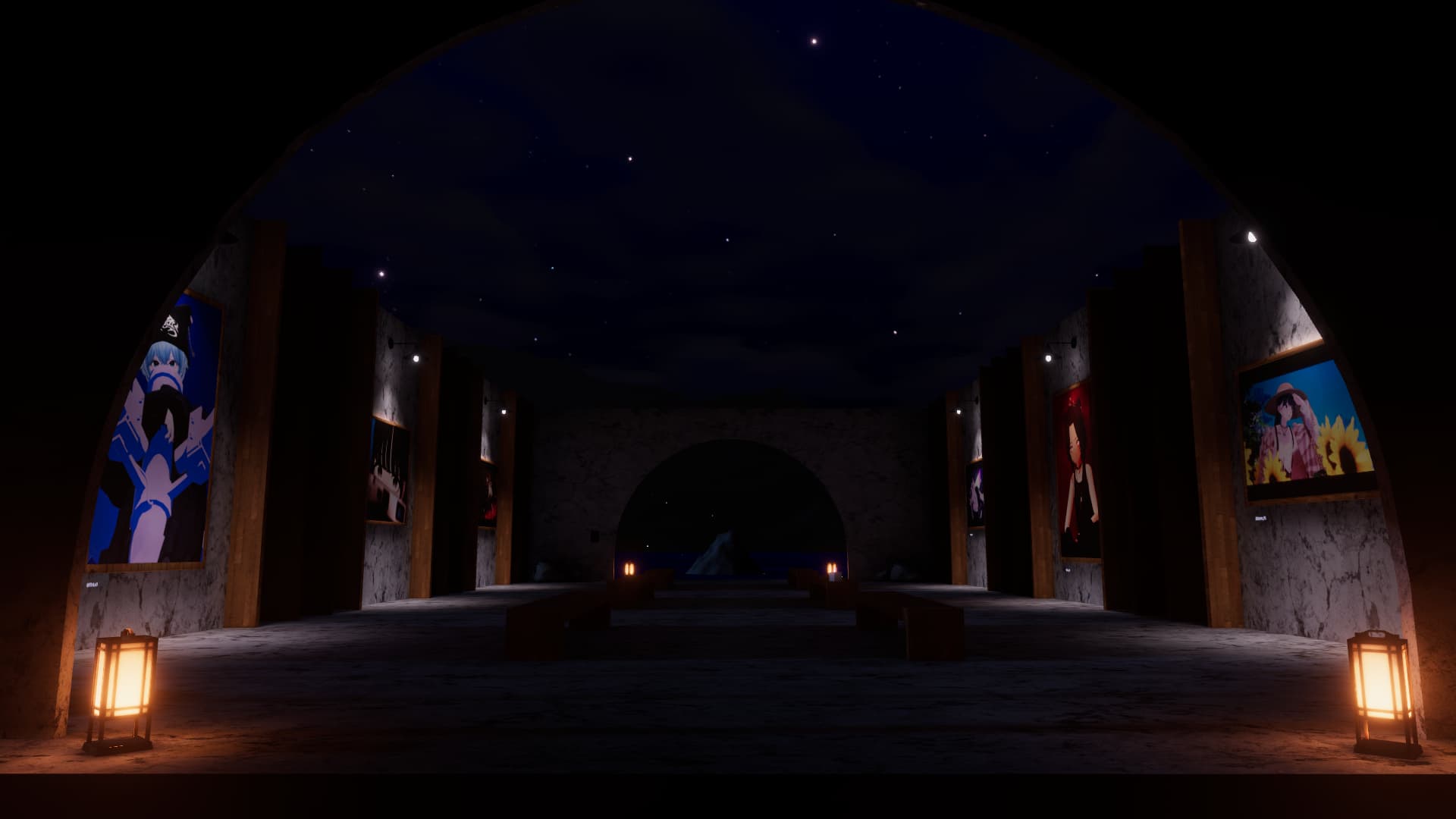
The best part though, this may just be the start. Reava said that the world in its current form “was a really fast craft” and may be revisited. If it is, she plans to “fully develop it with all [her] works,” really pushing it to make the environment more in tune with the works inside. If things go well, we may see a monthly update to the world that includes new content from her works to the environment that surrounds them. Definitely make sure to stop by every once in a while!
Two new items have been added and are claimable for VRChat+ Subscribers until October 31st, 1pm PT. You can find an announcement on Bluesky. These items are the “Campfire” and the “Marshmallow on a Stick.” The campfire is a placeable item similar to “The Reference Cube” (CUBE MENTION!!!). Once you find some open space, you can drop it down and have everyone gather around. The campfire has a nice animated texture with some small particles that make it really cozy to sit around.
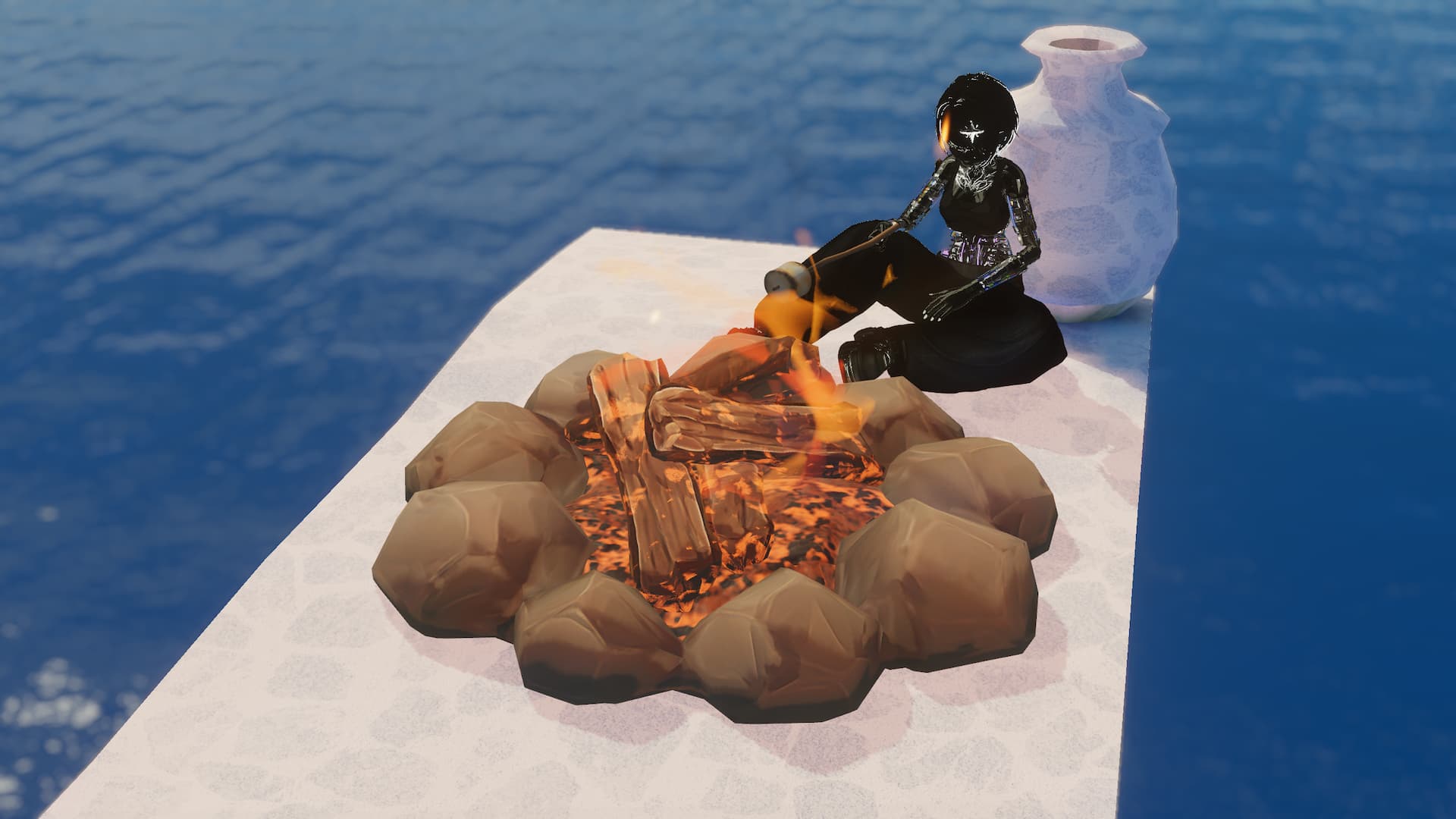
The marshmallow on a stick, once spawned in, can be picked up and then
cycled by using the trigger in order to switch it between its states.
The states in order are:
1. Normal marshmallow on the stick.
2. Roasted/Slightly browned marshmallow.
3. Marshmallow on fire.
4. Burnt marshmallow.
5. Just the stick with the tip burnt.
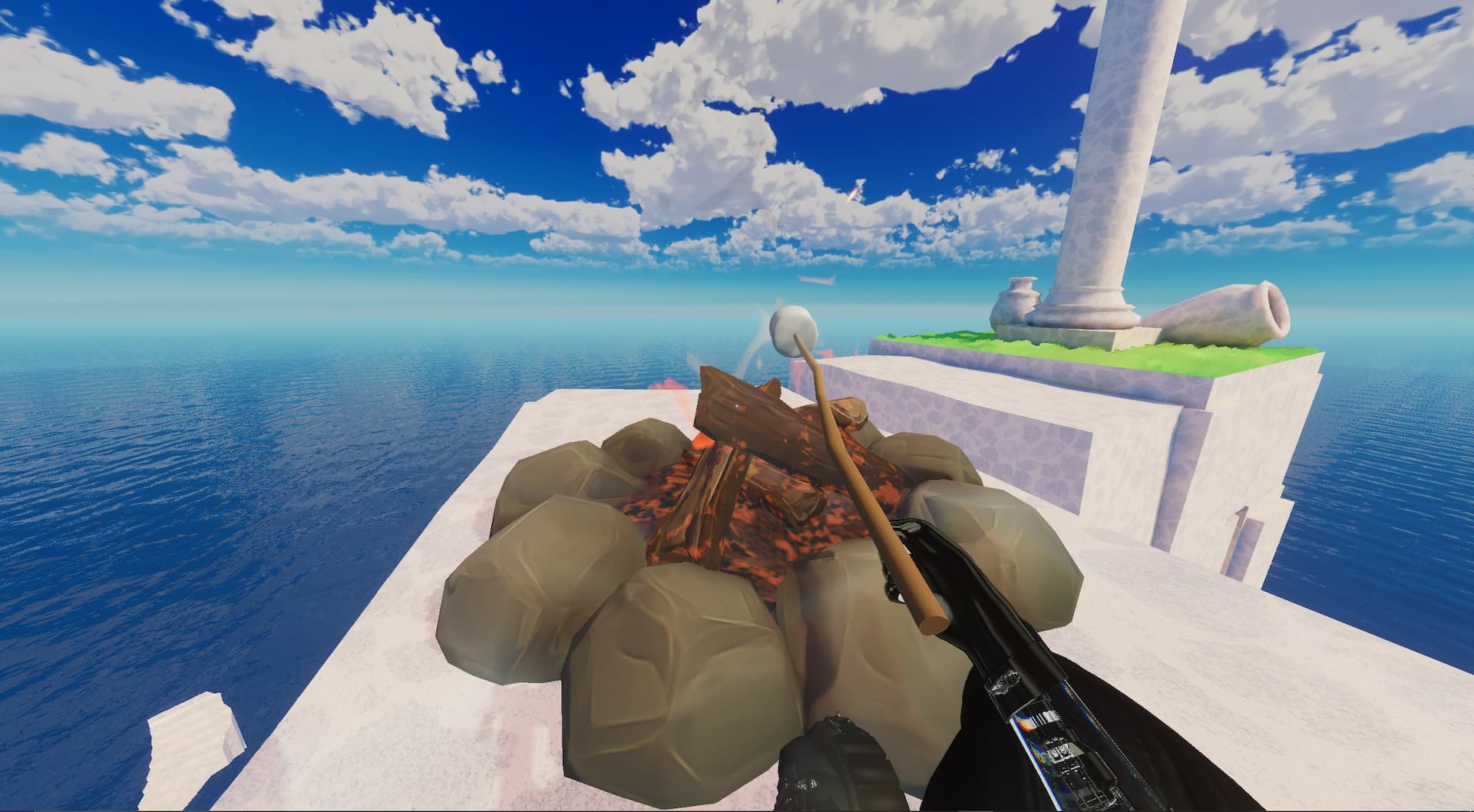
The marshmallow on a stick also has another cool little trick. By putting the marshmallow near either your head or another player's head, the marshmallow on a stick plays a little sound and the marshmallow disappears as if it had been eaten. In order to get a new marshmallow, you simply press the trigger.
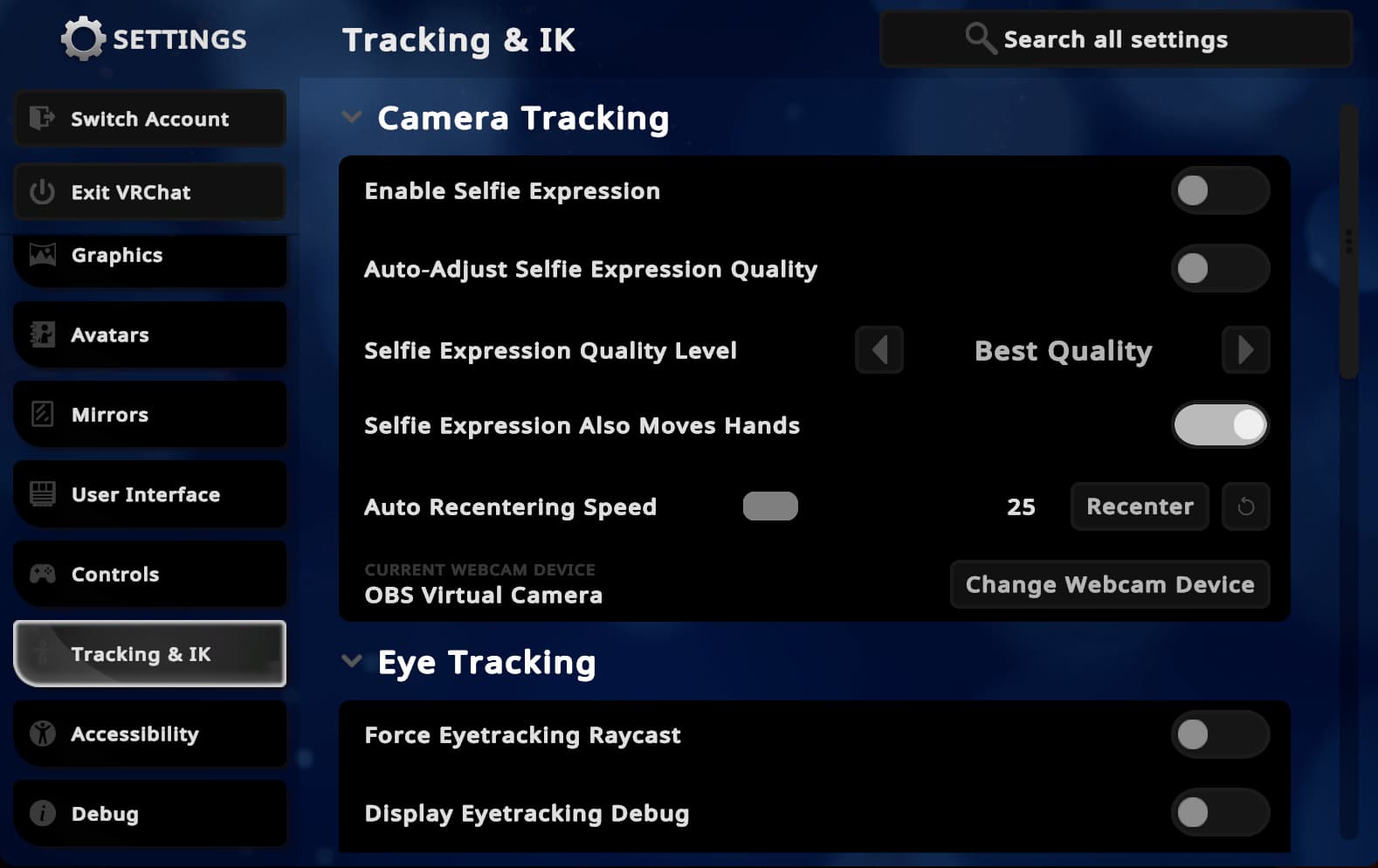
The VRChat Selfie Expressions is now available to all users rather than just VRChat+ Subscribers. The wiki states that this feature allows users on desktop mode to use a webcam to control their avatars “facial expressions, head, and eye movement; in addition to arms, hands, and finger tracking.” The feature can be found in your settings menu under the “Tracking & IK” category and “Camera Tracking” subcategory. From there, you can select a camera and enable the feature!
At times, the movement animations an avatar has can look quite strange. User Martin (@TuxedoPato) on Twitter/X made a post showing how they have decided to challenge themselves by redesigning the animation controller and created what they described in their post as a “high quality…locomotion system.” Watching the video, you can see exactly that, the avatars movement is much smoother and the new animations add a great touch. Even better is that Martin states that they made this during the process of learning Unity so go and show them support at the original post.
Thanks for taking the time to read the VRChat Breakdown. If you'd like to have something featured in another issue, you can make a submission at gravinium.org/submission. Make sure to stop by next month for the next issue. You can also join our discord server at gravinium.org/discord